
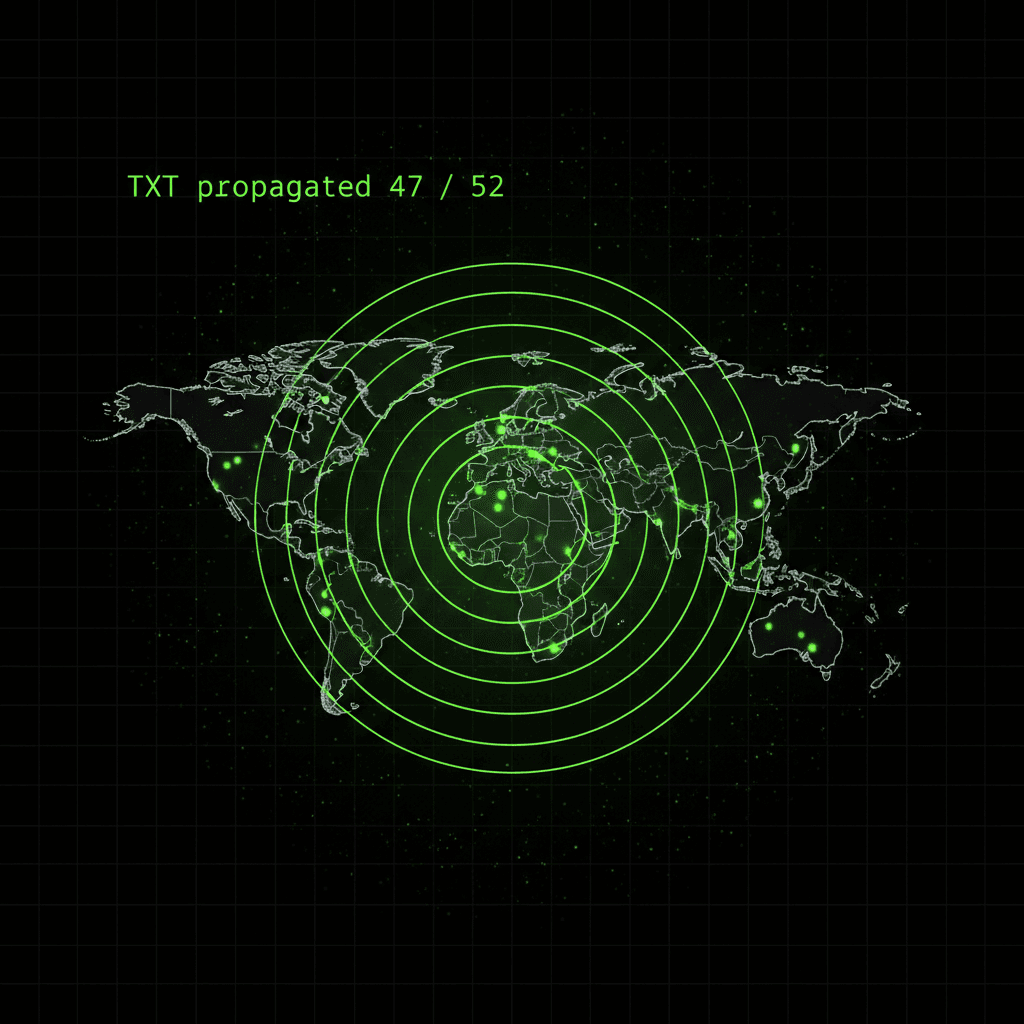
WhatsMyDNS is a tightly focused, beloved-for-a-reason tool: enter a hostname, see a global map of resolvers and what they currently return. No accounts, no ads gating the result, no other features competing for your attention. It does one thing, it does it cleanly, and that's why it's bookmarked in every DNS engineer's browser.
Trace Warrior is a different shape. We're a multi-tool diagnostic console. DNS plus TLS, ports, headers, geolocation, email deliverability, encoding, hashing, subnet math, cron, designed to be the tab you keep open during a working session. Where WhatsMyDNS is a specialist screwdriver, Trace Warrior is a toolkit.
This page is an honest comparison.
TL;DR
- WhatsMyDNS is the right tool when you need to verify DNS propagation has reached resolvers around the world. Clean, fast, free, no friction.
- Trace Warrior is the right tool when you need DNS plus a full stack of diagnostic checks in the same console. Faster for everyday work, broader scope, account-backed history.
- They are not direct competitors. WhatsMyDNS does one thing well; Trace Warrior covers the rest of the diagnostic surface.
- Bookmark both. Each one solves a different problem.
Where WhatsMyDNS wins
One-task simplicity
Open WhatsMyDNS, type a hostname, pick a record type, see a global map of around fifty resolvers report back. No account, no popup, no advertising rail dominating the page. That focus is the entire pitch and it's executed well.
For the specific task of "did my DNS change reach the world yet," there isn't a faster path to an answer.
A genuinely clean interface
Unlike some of the other propagation-checker sites, many of which are saturated with advertising, WhatsMyDNS has consistently kept a clean, restrained UI over the years. It looks like a tool, not a marketing funnel.
Global resolver coverage
Resolver locations are spread across most continents, and the geographic spread is broader than any one-resolver tool can offer. If your users are spread across regions, WhatsMyDNS gives you a regional view that no single-resolver tool can.
Where Trace Warrior wins
A broader toolset
WhatsMyDNS does DNS propagation. Full stop. Anything else, you tab elsewhere. Trace Warrior covers the wider field:
- DNS - DNS Lookup, Domain to IP, CNAME, Nameserver, Reverse DNS, WHOIS
- TLS - SSL Certificate Checker
- Connectivity - Port Checker, Ping Test, Traceroute
- HTTP - Header Checker
- IP - Geolocation, What's My IP, MAC Lookup
- Engineer utilities - Base64, URL encoder, Hash Generator, JSON / YAML Formatter, Subnet Calculator, Cron Job Generator, Binary to Text, Cisco Type 7 Decryptor
The pattern that wins: most diagnostic sessions touch three or four of those areas. Having them in one console means fewer tabs, fewer context switches.
Configurable single-resolver lookups
WhatsMyDNS shows you everyone's answer at once. Sometimes you want one answer, the answer that matches what your customer is seeing. The Trace Warrior DNS Lookup lets you choose: Google, Cloudflare, Quad9, OpenDNS, or a custom resolver. Pick the resolver your user actually uses, see the one answer that matters.
Shareable result URLs
Trace Warrior tools hydrate from the URL. /tools/dns-lookup?domain=example.com&type=MX pre-fills and runs the query when opened. Send the URL to a colleague. They see the same input and run the same lookup. Useful in incident channels.
Alert on DNS changes, not just check them
WhatsMyDNS answers "has my change propagated yet." Trace Warrior can also answer "tell me if this record ever changes again": the DNS record monitor re-checks on a schedule and alerts you by email or webhook the moment an A, MX, TXT or NS record drifts from its expected value. A propagation map is a point-in-time view; a monitor is a standing watch.
Account history without ads
Free-tier Trace Warrior accounts record every tool run. No ad rail, no upsell. You can see your own diagnostic history.
Tools beyond the network layer
A real diagnostic session often involves decoding a Base64-encoded JWT, formatting an opaque JSON payload, or working out whether a /26 subnet covers a particular IP. Those tasks don't fit a propagation checker; they fit a console. Trace Warrior is built to be the console.
Feature matrix
| Capability | WhatsMyDNS | Trace Warrior |
|---|---|---|
| DNS propagation map across global resolvers | yes | no |
| DNS lookup against a configurable single resolver | partial | yes |
| Reverse DNS / WHOIS / MAC | no | yes |
| TLS certificate inspection | no | yes |
| HTTP header / security-header inspection | no | yes |
| Port / ping / connectivity | no | yes |
| IP geolocation | no | yes |
| Encoding / hashing / formatting utilities | no | yes |
| Subnet / cron / binary utilities | no | yes |
| Ad-free interface | yes | yes |
| Shareable URL with pre-filled input | no | yes |
| Account-backed history | no | yes |
| API access | no | yes (paid) |
Pricing
WhatsMyDNS is free. No paid tier we're aware of at the time of writing.
Trace Warrior is tiered. Free: every tool unlimited, full feature access, no ads, plus 3 monitors with email alerts. Starter $9/month: more monitors, webhook alerts, public status pages. Professional $29/month adds API access.
If your need is occasional propagation checks, WhatsMyDNS is free and fit-for-purpose; there's no Trace Warrior competing product. If your need is daily diagnostic work across the broader stack, Trace Warrior's free tier covers it with no rate limit at all.
When to use which
| Your task | Best fit |
|---|---|
| Verify a DNS change has propagated globally | WhatsMyDNS |
| Run a one-off DNS lookup against a specific resolver | Trace Warrior |
| Inspect a TLS certificate | Trace Warrior |
| Check open ports / reachability | Trace Warrior |
| Look at HTTP headers, security headers | Trace Warrior |
| Decode Base64, format JSON, hash a string | Trace Warrior |
| Subnet math or cron expression | Trace Warrior |
You don't have to choose
WhatsMyDNS and Trace Warrior solve different problems and the smart pattern is to bookmark both. Use WhatsMyDNS the few times per quarter when you've changed a DNS record and want propagation visibility. Use Trace Warrior the dozen times per day when you need any other diagnostic in the console you already have open.
Try Trace Warrior
The DNS Lookup is the closest analogue. Try a query against the resolver that matches your context. The full tool index is here.
The honest summary: WhatsMyDNS is excellent at one task; Trace Warrior is built for the other twenty tasks in the same workflow. Use both for the right reasons.