
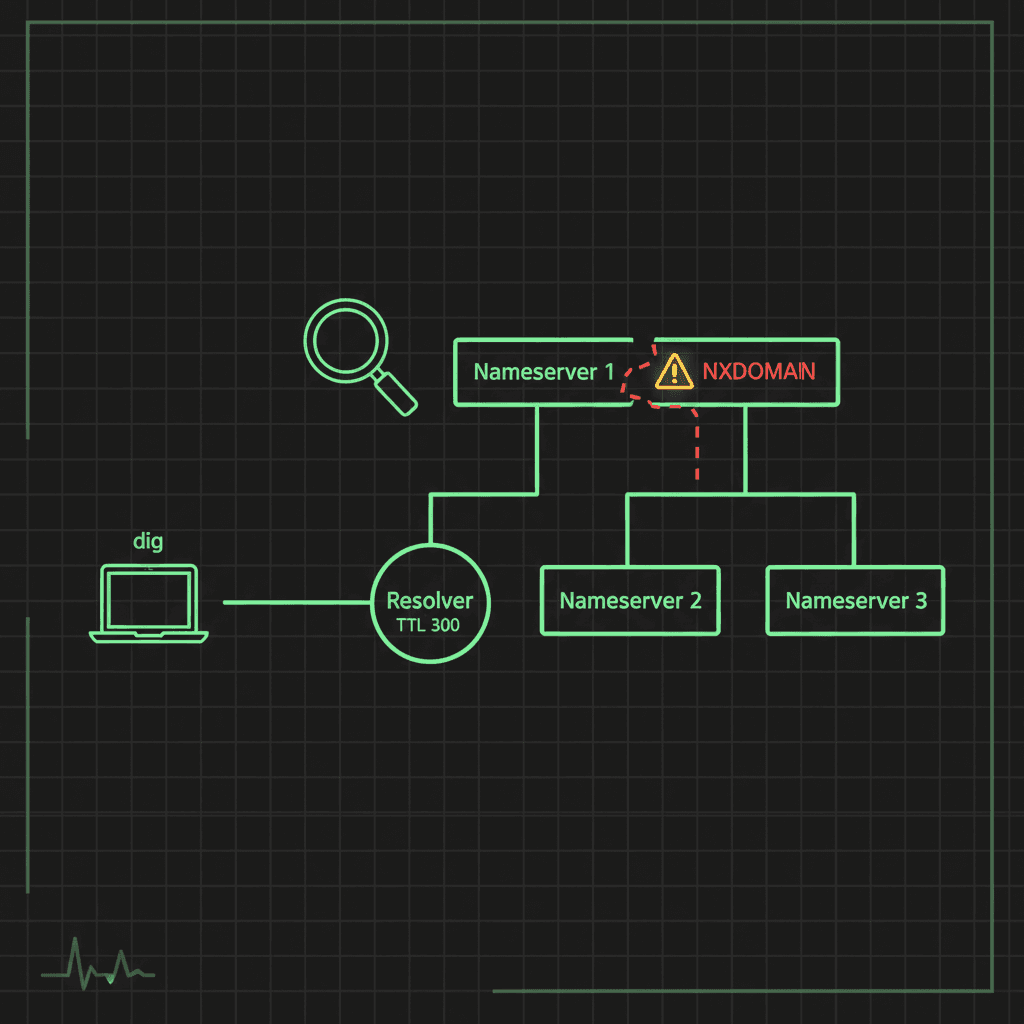
When DNS breaks, everything built on top of it breaks with it, and usually with error messages that point everywhere except at DNS. This is the diagnostic process we actually use: identify the symptom, isolate the layer, fix the cause.
The three failure modes
Almost every DNS problem presents as one of three symptoms.
NXDOMAIN
NXDOMAIN (Non-Existent Domain) means the resolver asked the authoritative servers and got back a definitive "this name does not exist." Common causes:
- The domain genuinely doesn't exist or has expired
- A typo in the name being queried
- New or changed records that haven't propagated yet
- The authoritative nameservers are misconfigured or serving a stale zone
First moves: check the spelling, check the registration status, and query the authoritative servers directly rather than your local resolver. If the record exists at the authoritative source but your resolver returns NXDOMAIN, you're waiting on caches to expire; see understanding DNS propagation for why that can take hours.
DNS server not responding
When the resolver itself is unreachable, nothing resolves and browsing by name stops entirely. Causes:
- ISP resolver outage
- A firewall blocking port 53 (UDP and TCP, DNS uses both)
- Wrong resolver addresses in the network configuration
- A plain network connectivity problem upstream of DNS
The fastest isolation test is to query a public resolver directly. If nslookup example.com 8.8.8.8 works while your configured resolver times out, the problem is your resolver, and switching to 8.8.8.8 (Google) or 1.1.1.1 (Cloudflare) gets you moving while you fix it.
Slow resolution
Pages that hang for seconds before loading, then load fast, are a classic slow-DNS signature. Causes:
- Overloaded or distant resolvers
- A long chain of DNS forwarders, each adding latency
- A primary resolver that's down, so every query burns a full timeout before falling back to the secondary
The tools
You need three commands and one web tool.
nslookup: available everywhere, including Windows out of the box:
nslookup example.com
nslookup example.com 8.8.8.8
nslookup -type=MX example.com
dig: the serious tool, with full visibility into the response:
dig example.com
dig @8.8.8.8 example.com
dig +trace example.com
host: the quick one-liner on Unix/Linux:
host example.com
host -t MX example.com
When you need a second opinion from outside your own network (and you often do, because your local resolver's cache can lie to you), the DNS lookup tool queries from a neutral vantage point and shows you all the record types at once.
The step-by-step process
Step 1: Verify basic connectivity
Rule out the network before blaming DNS:
ping 8.8.8.8
ping -c 4 1.1.1.1
You're pinging IPs deliberately, so no resolution is involved. If this fails, you have a network problem, not a DNS problem, and the ping test from an external vantage point will tell you whether the problem is your side or theirs.
Step 2: Test resolution
nslookup google.com
dig google.com
If raw IP connectivity works but name resolution doesn't, DNS is confirmed as the failing layer.
Step 3: Check which resolvers you're using
# Windows
ipconfig /all

# macOS/Linux
cat /etc/resolv.conf
On modern Linux with systemd-resolved, /etc/resolv.conf usually points at the local stub (127.0.0.53); resolvectl status shows the real upstream servers.
Step 4: Clear the DNS cache
Stale cached records cause the most confusing symptoms: works on one machine, fails on another.
# Windows
ipconfig /flushdns

# macOS
sudo dscacheutil -flushcache; sudo killall -HUP mDNSResponder

# Linux (systemd-resolved)
sudo resolvectl flush-caches
Step 5: Test against a known-good resolver
nslookup example.com 8.8.8.8
nslookup example.com 1.1.1.1
This is the decisive split: if public resolvers answer correctly while yours doesn't, the fault is in your resolver or the path to it. If public resolvers also fail, the problem is at the authoritative side: the zone itself.
Advanced techniques
Trace the full resolution path
dig +trace example.com
This walks the delegation chain from the root servers down to the authoritative nameservers, showing every referral. It's the definitive way to find where a delegation is broken: a registrar pointing at the wrong nameservers shows up immediately here.
Validate DNSSEC
dig +dnssec example.com
Look for the ad (Authenticated Data) flag in the response. A missing or broken DNSSEC signature can cause validating resolvers to return SERVFAIL while non-validating resolvers answer fine, one of the more baffling "works for some users, not others" patterns.
Query the record types individually
dig A example.com
dig MX example.com
dig TXT example.com
dig NS example.com
Query types one at a time. (dig ANY used to be the shortcut here, but most servers now return a minimal response to ANY queries per RFC 8482, so it's no longer reliable.)
Preventing the next incident
What works:
- Redundant nameservers on separate networks, so there is no single point of failure
- Lower TTLs before planned changes, raise them after
- Monitoring that catches changes before users do: a DNS record drift monitor alerts you when records change unexpectedly, which catches both fat-fingered edits and hijacks
- DNSSEC where your registrar and provider support it properly
- Documented zone contents, so "should this record exist?" has an answer
What bites people:
- TTLs left at 86400 going into a migration, turning a five-minute cutover into a day of split traffic
- A single nameserver, or two nameservers on the same subnet
- No reverse DNS, which breaks mail deliverability quietly
- Zone transfers (AXFR) open to the world, handing your whole zone to anyone who asks
Quick reference
# Windows
ipconfig /all                     # Show DNS configuration
ipconfig /flushdns                # Clear DNS cache
nslookup -type=MX example.com     # Query MX records

# Linux/macOS
dig example.com                   # Detailed query
dig +short example.com            # Just the answer
dig @8.8.8.8 example.com          # Query a specific server
dig +trace example.com            # Walk the delegation chain
dig -x 192.168.1.1                # Reverse lookup
resolvectl statistics             # Resolver stats (systemd)

# Deep debugging
tcpdump -i any port 53            # Capture DNS traffic on the wire
dig +norecurse example.com        # Ask the cache only, no recursion
The pattern behind all of this: separate "can I reach the network" from "can I resolve names" from "is the answer correct." Each step in the process eliminates one layer. Run them in order and DNS problems stop being mysterious; they become a short walk to whichever layer is lying to you.