
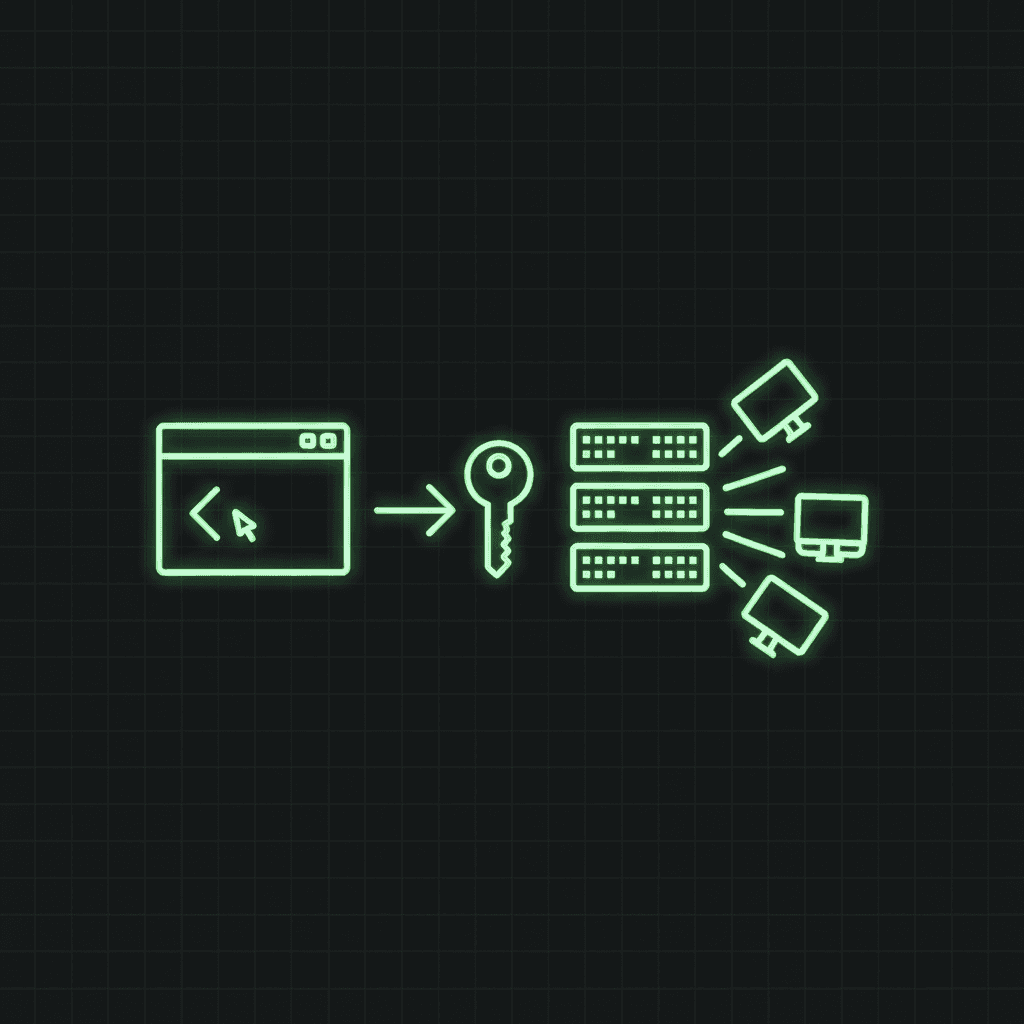
The monitor API lets you manage Trace Warrior monitors from scripts, CI pipelines, and provisioning tools instead of the dashboard. Spin up an SSL-expiry monitor for every new client domain in your onboarding script, pause checks during planned maintenance, or tear monitors down when a project ends.
API access is included in the Professional plan and above.
Get an API key
- Sign in and open Dashboard → Profile.
- In the API keys section, name the key after the thing that will use it (
ci-pipeline,terraform,onboarding-script) and create it. - Copy the key immediately; it's shown once and stored only as a hash. If you lose it, revoke it and create a new one.
Keys look like tw_… and are sent as a bearer token:
export TW_API_KEY="tw_your-key-here"
You can hold up to 5 active keys, so each system gets its own; revoke one without breaking the others.
List monitors
curl -s https://www.tracewarrior.com/api/v1/monitors \
  -H "Authorization: Bearer $TW_API_KEY"
Returns every monitor on the account:
{
  "monitors": [
    {
      "id": "9b2e…",
      "name": "api.example.com cert",
      "type": "ssl-expiry",
      "target_host": "api.example.com",
      "target_port": 443,
      "interval_seconds": 86400,
      "state": "ok",
      "paused": false,
      "last_check_at": "2026-06-10T09:23:03Z",
      "next_check_at": "2026-06-11T09:23:03Z"
    }
  ]
}
Create a monitor
curl -s -X POST https://www.tracewarrior.com/api/v1/monitors \
  -H "Authorization: Bearer $TW_API_KEY" \
  -H "Content-Type: application/json" \
  -d '{
    "name": "api.example.com cert",
    "type": "ssl-expiry",
    "target_host": "api.example.com",
    "target_port": 443,
    "interval_seconds": 86400,
    "email_alerts": true,
    "webhook_url": "https://hooks.slack.com/services/T000/B000/XXXX"
  }'
The five type values are ssl-expiry, dns-record, port-tcp, http-status, and whois-expiry, the same checks described on the monitors page. interval_seconds is floored by your plan (60s on Professional). Plan quota and target validation are enforced exactly as in the dashboard; private and loopback addresses are rejected.
A 201 response returns the created monitor plus, if you set a webhook_url, a one-time webhook_secret for signature verification.
Update or pause a monitor
PATCH accepts any of name, target_host, target_port, target_path, config, interval_seconds, email_alerts, recovery_alerts, webhook_url, and paused. Changing the target or config resets the monitor's baseline and runs the next check immediately:
# Pause during planned maintenance
curl -s -X PATCH https://www.tracewarrior.com/api/v1/monitors/$MONITOR_ID \
  -H "Authorization: Bearer $TW_API_KEY" \
  -H "Content-Type: application/json" \
  -d '{"paused": true}'
Unpausing ("paused": false) schedules the next check immediately.
Delete a monitor
curl -s -X DELETE https://www.tracewarrior.com/api/v1/monitors/$MONITOR_ID \
  -H "Authorization: Bearer $TW_API_KEY"
Deletion also removes the monitor's check history and alert log.
Verify webhook signatures
Generic (non-Slack/Discord) webhook deliveries are signed with HMAC-SHA256 over the raw request body, using the webhook_secret returned at creation. The signature arrives in the X-TraceWarrior-Signature header as sha256=<hex>:
import crypto from "node:crypto";

function verify(rawBody, header, secret) {
  const expected =
    "sha256=" +
    crypto.createHmac("sha256", secret).update(rawBody).digest("hex");
  return crypto.timingSafeEqual(Buffer.from(header), Buffer.from(expected));
}
Always compute the HMAC over the raw bytes, before any JSON parsing; re-serialised JSON will not match. See how to test webhook endpoints for a full testing workflow.
Error responses
| Status | Meaning |
|---|---|
401 | Missing, invalid, or revoked API key |
402 | Plan limit: monitor quota reached, or API access not on your plan |
400 | Validation failure (bad type, interval below plan floor, private target) |
404 | Monitor doesn't exist or belongs to another account |
Errors are JSON: {"error": "Minimum check interval on the professional plan is 60s."}
TL;DR
Create a key in Dashboard → Profile, send it as Authorization: Bearer tw_…, and hit /api/v1/monitors for list/create and /api/v1/monitors/:id for get/patch/delete. Same plan rules as the dashboard, JSON in and out, webhook secrets shown once. If something's unclear, tell us.