
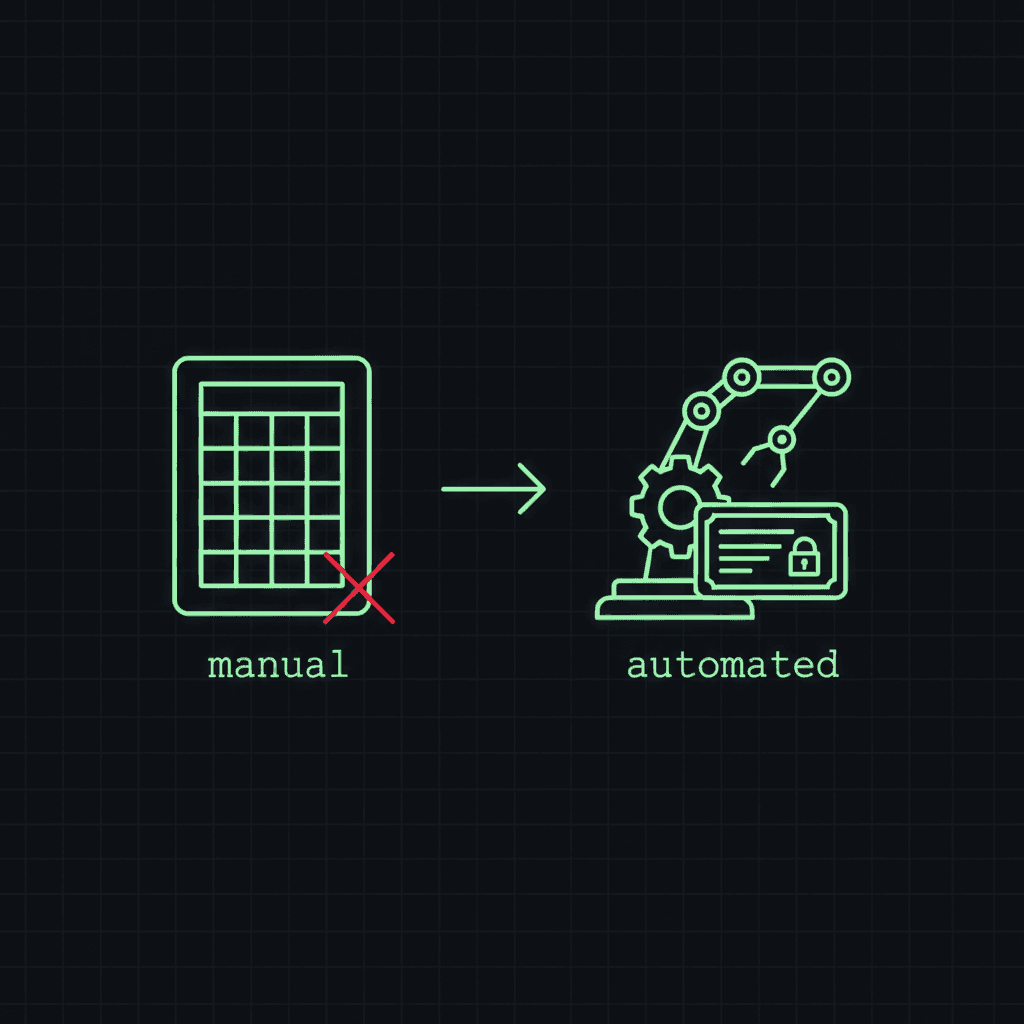
For roughly the last decade, "certificate management" at most companies looked like this:
- A senior engineer who once renewed a cert remembers how it works.
- A spreadsheet listing certs, expiry dates, and renewal owners, often kept in a wiki nobody reads.
- A calendar reminder set six weeks before each cert expires, going to a team mailbox.
- A scramble three days before expiry when someone notices the reminder.
- Occasionally, a Friday-evening outage when nobody noticed at all.
That worked, ish, when each certificate lasted ~13 months. By 2029 that same cert will last ~47 days. The same process can't scale 8x. This piece is about what to do instead.
The brutally short version
If you do nothing else from this article, do these four things in order:
- Inventory every public TLS cert you own. Including the ones on appliances, CDN edges, status pages, partner integrations, and old microservices nobody owns. You can't manage what you can't see.
- Monitor every one of them. Daily checks against the actual deployed cert. Two-stage alerts (e.g. warning at 30 days, critical at 7 days). Email + a webhook to your on-call channel.
- Switch to ACME or a CA API for every cert you can. That's the vast majority of public certs in 2026: Let's Encrypt, ZeroSSL, Sectigo, DigiCert, GoDaddy all have automation now.
- Make a remediation plan for the rest. Anything that doesn't support automation today either gets replaced, gets a reverse-proxy shim, or goes on a special-attention list.
That's it. Everything below is detail and rationale.
Why the spreadsheet is finally breaking
The honest answer is "it was always brittle, we just got away with it." 13-month renewals meant any single cert was renewed roughly once a year, by one person, with weeks of buffer to recover from mistakes. The blast radius of forgetting was small.
Walk the math forward:
- Today: 1 renewal per cert per year
- March 2026: ~2 renewals per cert per year (SC-081v3 phase 1)
- March 2027: ~4 renewals per cert per year (phase 2)
- March 2029: ~8 renewals per cert per year (phase 3)
If you have 100 public certs, that's 800 renewals per year by 2029, three per business day. If you have 1,000, it's 8,000, more than 30 per business day. At those rates a single missed renewal is an outage; a process that can't tolerate one missed renewal across thousands of operations cannot be human-driven.
This isn't a forecast based on rumour. It's the official phased schedule in CA/Browser Forum Ballot SC-081v3, approved unanimously in April 2025.
ACME everywhere
The right default for a new cert in 2026 is "issued via ACME." There's no reason to do it any other way unless your endpoint genuinely can't speak ACME (in which case, see the next section).
A short tour of what ACME-capable endpoints look like today:
- Web servers: nginx with certbot, Caddy (ACME built in, no config required), Apache with mod_md, Traefik (built in), HAProxy with certbot-haproxy.
- CDNs: Cloudflare (managed certs, you do nothing), Fastly (free TLS via Let's Encrypt), AWS CloudFront (ACM, integrated automation), Bunny (ACME built in).
- Cloud load balancers: AWS ACM-issued, GCP managed certs, Azure App Service managed certs: all auto-renew without you touching them.
- Kubernetes: cert-manager. There is no better answer. If you run K8s and you're issuing certs by hand, stop.
- Standalone certs for non-HTTP services: certbot --standalone for one-off issuance, then automated with a cron and a service reload.
A typical 2026 stack should have zero human-issued certs in production. The CAs charge the same money for ACME-issued OV/EV certs as they do for manually-issued ones; there's no cost reason to keep doing it by hand.
The things you can't ACME
Some endpoints genuinely don't support automated cert rotation. Common examples:
- Older firewalls / VPN concentrators: Cisco ASA up to 9.x, older Fortinet, older Palo Alto. Newer versions of all of these have automation, but the OS upgrade might be its own project.
- Mail servers without ACME tooling: especially custom MTA setups.
- IoT and embedded devices: a printer with a web UI on HTTPS, an HVAC controller, a network camera. These often have certs that have to be uploaded through a 1998-era web GUI.
- Vendor SaaS products that pin certs: rare but happens, usually with B2B integrations.
For each of these you have three options:
- Replace the endpoint. Often not realistic short-term, but worth budgeting for over 24-36 months.
- Shim with a reverse proxy. Put nginx or Caddy in front, terminate TLS there with an ACME-issued cert, re-encrypt internally to the appliance using its built-in (possibly self-signed) cert that you don't have to renew externally.
- Special-attention list. A small, named list of certs that you accept will be manually renewed. Put them in a dedicated calendar with much more aggressive alerting (60 days, 30 days, 14 days, 7 days, daily under 7). At 47-day max validity, even "special-attention" certs will hit 8 manual renewals a year, so keep this list as short as you can.
Monitor the cert that's actually serving traffic
Even when you've automated everything, you need to verify the automation is working. The two most common failure modes:
- ACME renewal succeeds but deployment fails. New cert is issued, sitting on disk, but nginx wasn't reloaded. The old cert is still in memory and expiring.
- ACME renewal fails silently and nobody notices. DNS changes break DCV. Webroot path moved. Rate limit hit. The renewal cron logged an error to a file nobody reads.
The single failure mode that catches both is monitoring the certificate that's currently being served, not the one in your /etc/letsencrypt directory. Open a real TLS connection, read the chain, compute days-to-expiry.
That's exactly what Trace Warrior's SSL/TLS expiry monitor does: it doesn't care how the cert got there, it just watches the wire. If days-to-expiry drops below your warning threshold (default 30 days), you get an email. If it drops below critical (default 7 days), the alert escalates and you should treat it like a production incident.
If you don't use our tool, use someone's. The principle is what matters: watch the deployed cert, not the renewal process.
Process changes you'll need to make
Even with automation, the cultural shift is the biggest piece. Specifically:
- Cert expiry alerts go to on-call, not to a mailbox. PagerDuty, Opsgenie, your incident channel: wherever 3am production alerts land. Cert outages ARE production outages.
- Have a runbook. When a critical alert fires, the first responder shouldn't be discovering the renewal process. Document where the cert lives, how to issue a new one, how to deploy it, how to roll back.
- Test the rollback path. Once a quarter, deliberately deploy an expired or invalid cert in a non-prod environment and verify the rollback works.
- Make ownership explicit. Every cert has a named team or person. When that person leaves, the cert gets reassigned. No orphan certs.
A pragmatic 24-month plan
For most companies, this looks like:
- Months 0-3: complete inventory. Stand up monitoring on every cert.
- Months 3-9: move every renewable cert to ACME. Identify the irreducibly manual ones.
- Months 9-15: build remediation plans for manual certs (replace, shim, or accept).
- Months 15-21: dry-run a 47-day cadence on internal certs. Find what breaks.
- Months 21-24: validate end-to-end. Roll out monitoring runbooks. Test the rollback.
If you start in mid-2026, you finish in mid-2028, with eight months of cushion before the 2029 47-day deadline. If you start in 2028, you ship into the deadline.
Start with inventory and monitoring
You can't do any of the rest without those two foundations. Whatever else you choose, do those.
If you'd like a free, fast way to start monitoring the certs you care about today: Trace Warrior's SSL/TLS expiry monitor is built for exactly this. Add a hostname, set thresholds, get alerts. 3 monitors free on every account; $9/mo for 15 with a 14-day free trial; free SSL/TLS certificate checker for on-demand inspection. Built by an engineer who got tired of the spreadsheet too.