
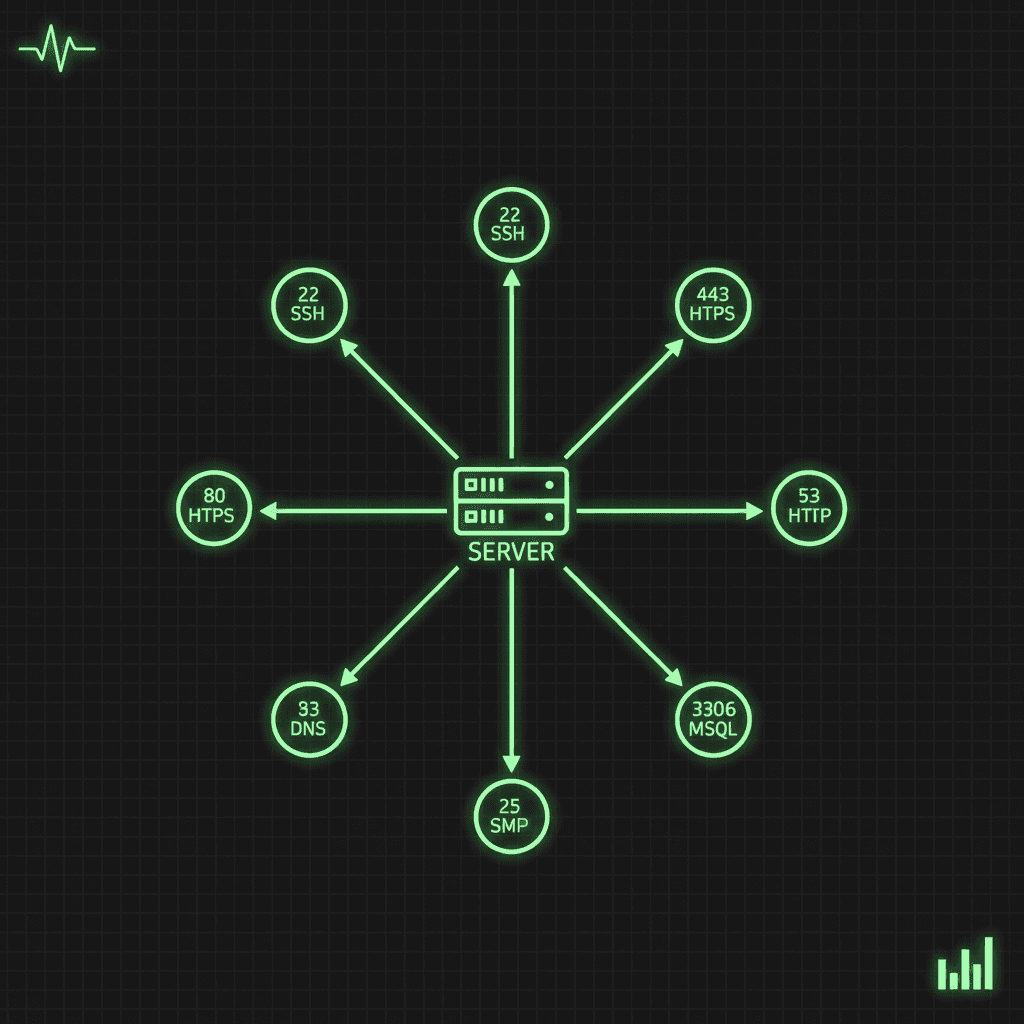
Port numbers are one of those things you look up a hundred times before they stick. This is the reference we wish we'd had: the ports that actually come up in day-to-day diagnostics, organised by what they do, with the security caveats attached to the ports that deserve them.
The ten ports you'll see most
| Port | Service | Protocol |
|---|---|---|
| 22 | SSH | TCP |
| 25 | SMTP | TCP |
| 53 | DNS | TCP/UDP |
| 80 | HTTP | TCP |
| 443 | HTTPS | TCP |
| 3306 | MySQL | TCP |
| 3389 | RDP | TCP |
| 5432 | PostgreSQL | TCP |
| 8080 | HTTP alternate | TCP |
| 21 | FTP | TCP |
If a port scan of one of your hosts turns up something outside this list and you don't recognise it, that's a finding worth chasing. The how to check open ports guide walks through exactly that process.
How the port space is divided
The 16-bit port space (0-65535) splits into three IANA-defined ranges:
- Well-known ports (0-1023). Standardised for core services. Binding to these requires root/administrator privileges on most systems.
- Registered ports (1024-49151). Assigned to specific applications by IANA, but bindable by unprivileged processes. Databases, app servers, and most modern software live here.
- Dynamic/ephemeral ports (49152-65535). Assigned automatically by the OS for the client side of outbound connections.
Web service ports
Port 80 - HTTP
Unencrypted web traffic. Browsers try this port by default when a URL specifies http:// with no port. Everything sent over it is readable in transit, so its only legitimate modern job is redirecting to HTTPS.
Port 443 - HTTPS
HTTP over TLS. The standard for all web traffic that matters. If you serve anything on port 80, redirect it here.
Port 8080 - HTTP alternate
The conventional second HTTP port: Tomcat's default, the go-to for development servers and proxies, and the fallback when port 80 is taken or requires privileges you don't have. Note that 8080 sits in the registered range, not the well-known range, which is exactly why unprivileged processes favour it.
Email protocol ports
| Port | Service | Encrypted | Notes |
|---|---|---|---|
| 25 | SMTP | No | Server-to-server mail relay. Often blocked outbound by ISPs to curb spam. |
| 587 | SMTP submission | STARTTLS | The correct port for mail clients submitting outbound mail. |
| 110 | POP3 | No | Downloads mail and (by default) removes it from the server. |
| 995 | POP3S | TLS | POP3 over TLS. Use this instead of 110. |
| 143 | IMAP | No | Syncs mail across devices, unencrypted. |
| 993 | IMAPS | TLS | IMAP over TLS. The standard for modern mail clients. |
The pattern: for every legacy plaintext mail port there's an encrypted sibling. Clients should be on 587, 993, or 995. The plaintext variants exist for backwards compatibility, not for new deployments.
File transfer ports
- Port 21 - FTP control. Commands and authentication. Credentials travel in plain text.
- Port 20 - FTP data. The actual file transfer in active mode.
- Port 22 - SFTP/SCP. File transfer tunnelled over SSH. Encrypted end to end, and the default choice for anything new.
- Port 990 - FTPS. FTP over implicit TLS, mostly seen where legacy FTP workflows had to be retrofitted with encryption.
Plain FTP transmits usernames and passwords in cleartext. If you still run it, treat replacing it with SFTP as overdue maintenance rather than an optional upgrade.
Remote access ports
Port 22 - SSH
Encrypted remote shell and file transfer. Also one of the most brute-forced ports on the internet, so harden it:
- Key-based authentication only, password auth disabled
- Root login disabled
- fail2ban or equivalent to throttle repeated failures
- Moving it off 22 cuts log noise from automated scanners, but it's obscurity, not security; never rely on it alone
Port 3389 - RDP
Windows Remote Desktop. A perennial favourite of ransomware operators. Keep it off the public internet entirely: put it behind a VPN, enable Network Level Authentication, and restrict source IPs where you can.
Port 23 - Telnet
Unencrypted remote terminal. Deprecated, full stop. Everything including passwords crosses the wire in plain text. If a port check finds 23 open anywhere in your estate, closing it is the day's first task.
Port 5900 - VNC
Remote desktop sharing. Display :0 listens on 5900, with additional displays on 5901, 5902, and so on. Like RDP, it belongs behind a VPN.
Database ports
| Port | Database | Notes |
|---|---|---|
| 3306 | MySQL/MariaDB | Default MySQL port |
| 5432 | PostgreSQL | Default PostgreSQL port |
| 1433 | MS SQL Server | Microsoft SQL Server |
| 1521 | Oracle | Oracle Database listener |
| 27017 | MongoDB | Default MongoDB port |
| 6379 | Redis | No authentication by default |
| 9200 | Elasticsearch | REST API endpoint |
One rule covers all of these: database ports never face the public internet. Databases belong on private subnets, reachable only from application servers. Redis, MongoDB, and Elasticsearch in particular have shipped with no authentication by default, which is why exposed instances get found and emptied within hours.
Development and application server ports
These show up constantly on workstations and staging boxes:
- 3000 - Node.js / Next.js dev servers (and Create React App)
- 4200 - Angular dev server
- 8000 - Django and other Python dev servers
- 8080 - Tomcat, proxies, generic alt-HTTP
- 9000 - PHP-FPM (FastCGI)
Dev server defaults are conventions, not assignments, so expect collisions. The real risk is a dev server bound to 0.0.0.0 on a machine with a routable address; bind to loopback unless you specifically need otherwise.
Ephemeral ports
When your browser connects to a server on port 443, the OS picks a temporary source port for your side of the connection. Ranges vary by OS:
- Linux: 32768-60999 (tunable via
/proc/sys/net/ipv4/ip_local_port_range) - Windows: 49152-65535
- macOS: 49152-65535
This matters in practice when a busy proxy or NAT gateway exhausts the range, or when a firewall rule needs to permit return traffic on "high ports."
Port security in brief
Do:
- Close every port without a documented reason to be open
- Default-deny inbound at the firewall and open ports explicitly
- Prefer encrypted protocols (HTTPS, SSH, SFTP) over their plaintext ancestors
- Audit externally with a port checker on a schedule, and compare against last time
- Monitor for new listeners: a port that opens on a server you didn't change is a high-signal alert
Don't:
- Expose database ports to the internet
- Run Telnet or plain FTP anywhere
- Leave default credentials on anything reachable
- Treat a non-standard port as a security control
For the fuller treatment (quarterly audits, the common surprises, and what to do when you find a listener nobody recognises), see port security basics.
Diagnostic commands
# Check if a port is open from outside
nmap -p 80 example.com
nc -zv example.com 80

# List listening ports on the host
ss -tlnp                          # Linux
netstat -an | grep LISTEN         # macOS
netstat -an | findstr LISTENING   # Windows

# Find the process using a port
lsof -i :80                       # Linux/macOS
netstat -ano | findstr :80        # Windows

# Test a specific port over HTTP
curl -I http://example.com:8080

# Inspect firewall rules
iptables -L -n                    # Linux iptables
ufw status numbered               # Ubuntu
firewall-cmd --list-all           # RHEL/CentOS
The local commands tell you what's listening on the host. They don't tell you what survives the security group, the corporate firewall, and the NAT in between you and the internet. For the outside view, run the port checker against your public IPs. That's the view attackers get, and it's the one worth auditing.